Japan price confirmed by the developer on 8 October 2026. Microsoft Store’s purchase dialog determines the actual price, currency and availability in your region.
REAL APP / SAMPLE RECORDS
See the workflow, not just the feature list.
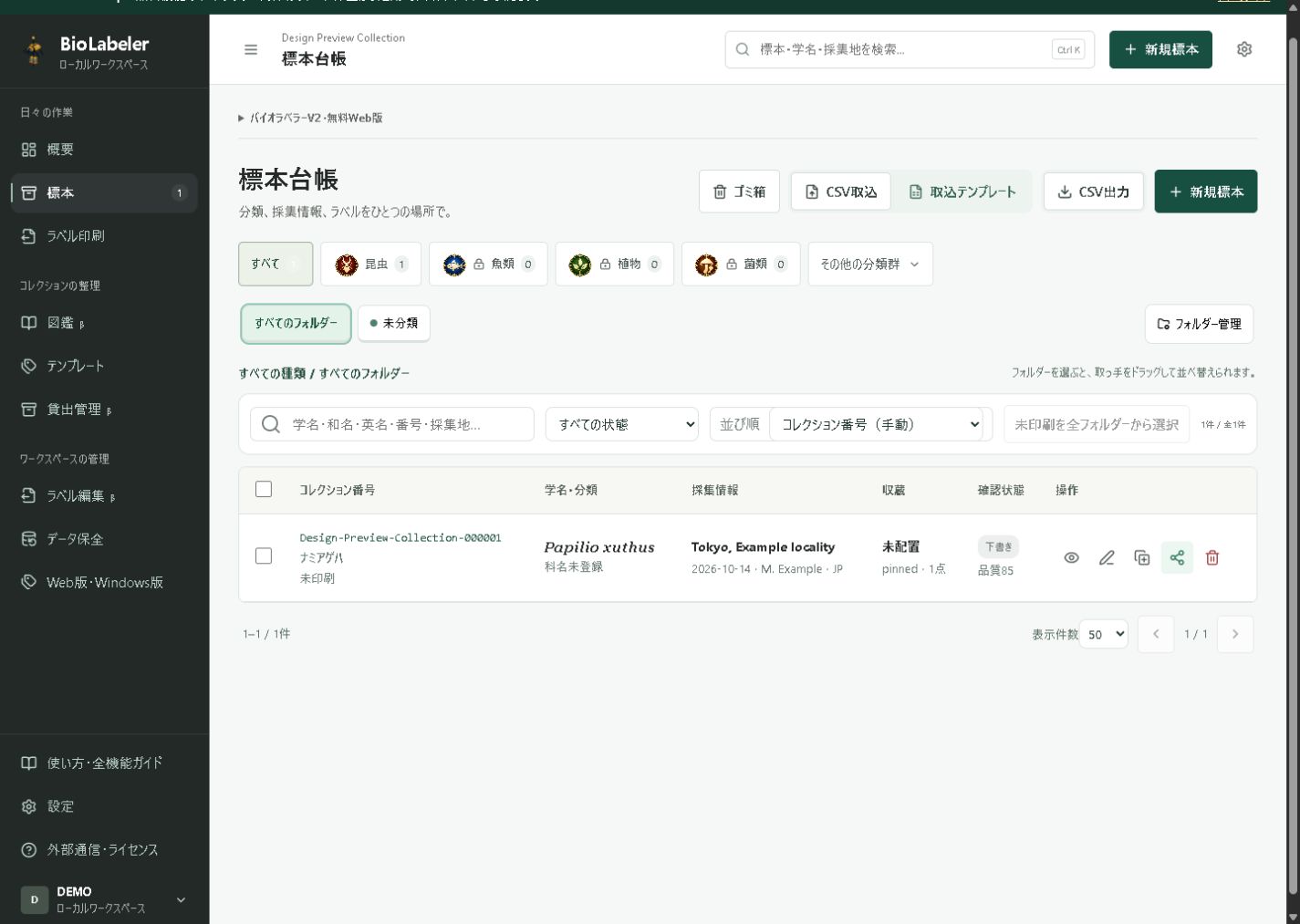
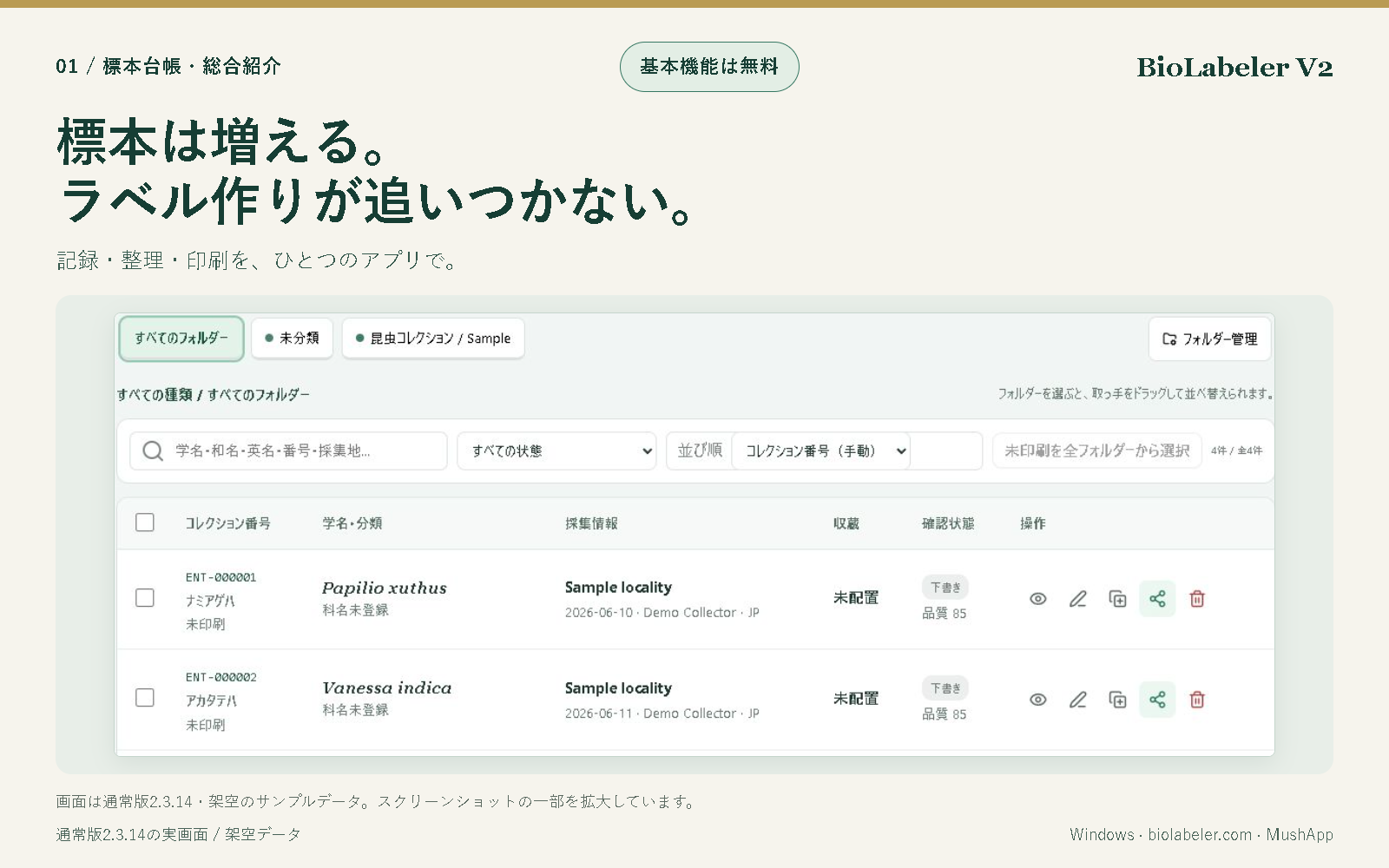
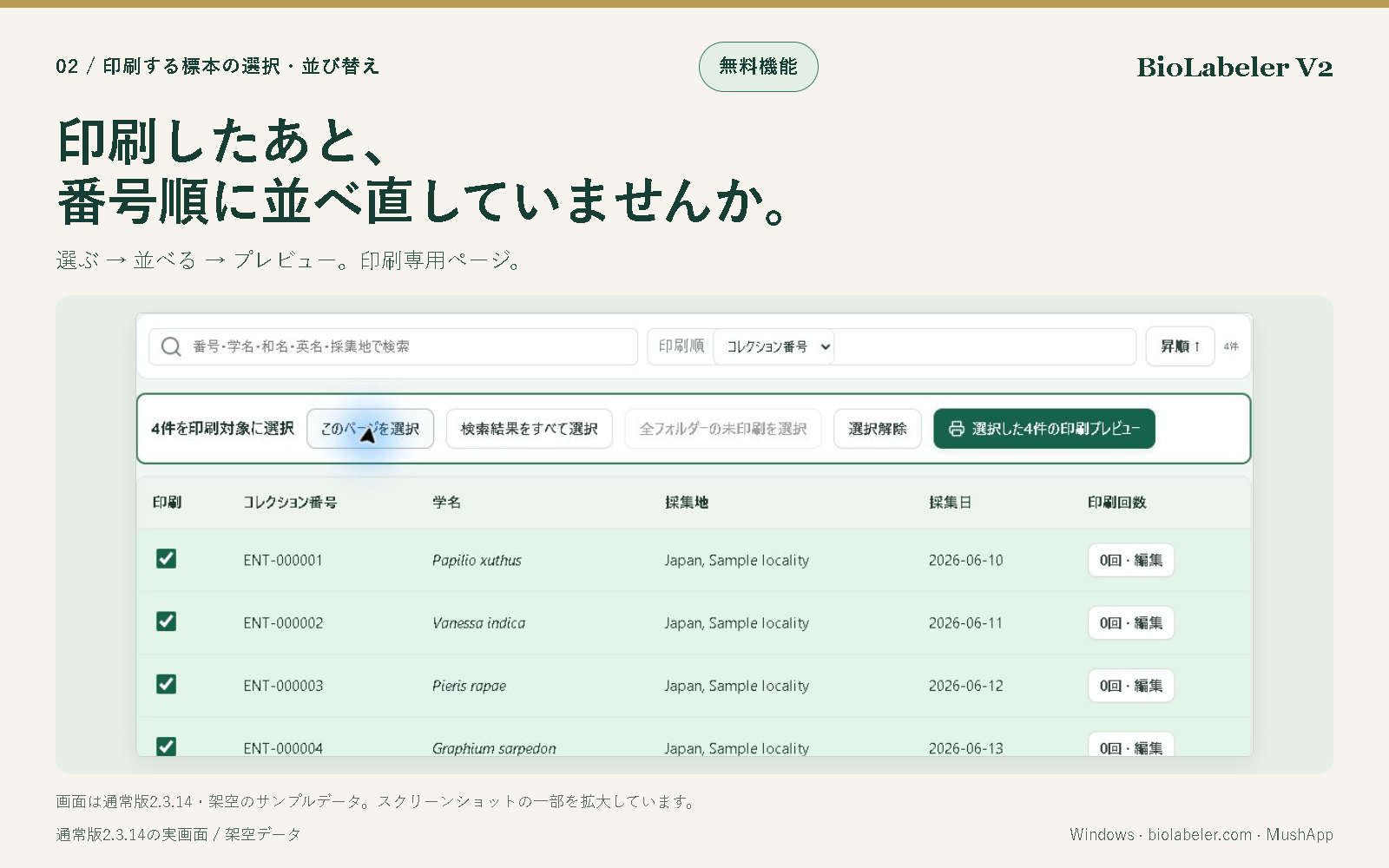
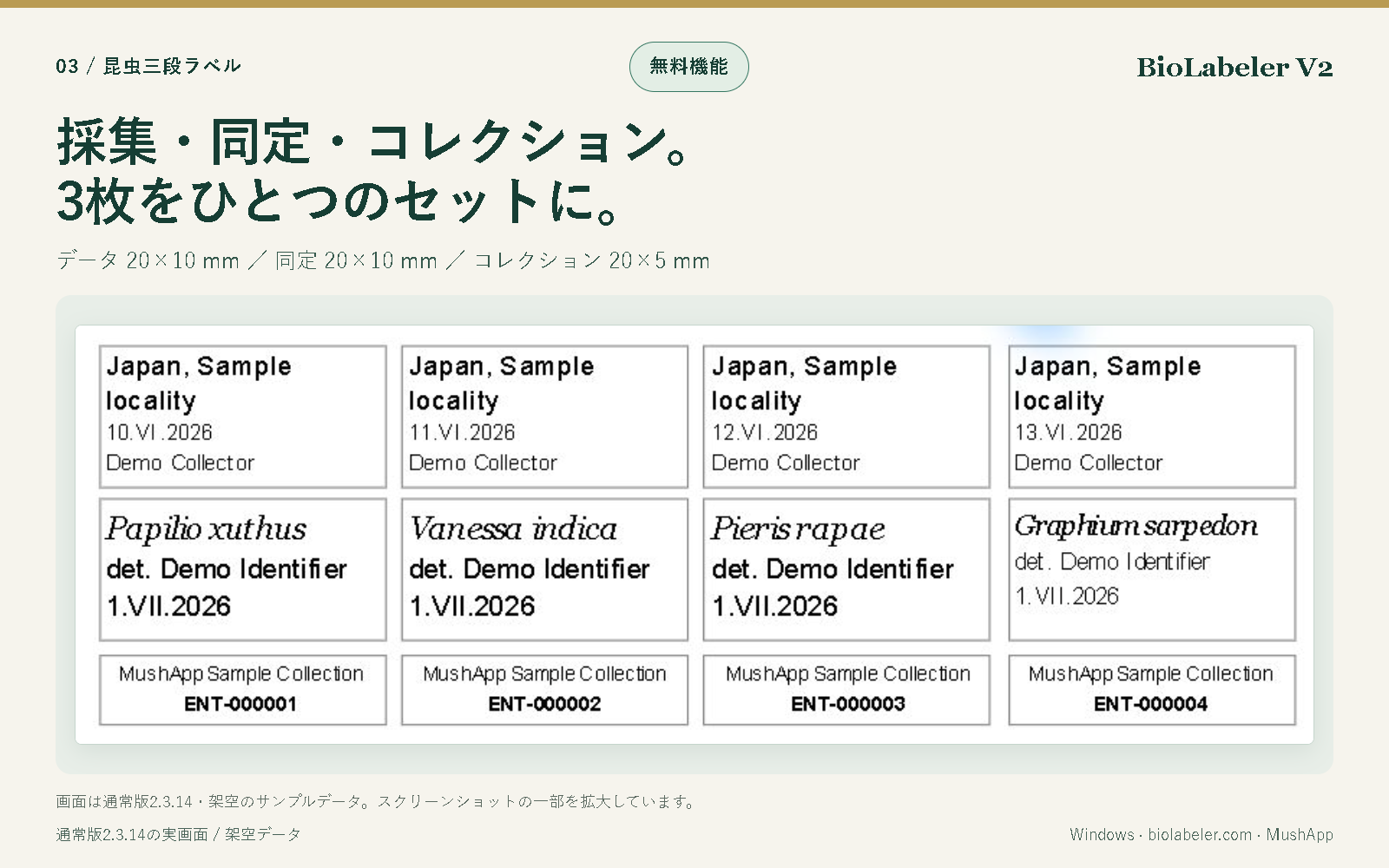
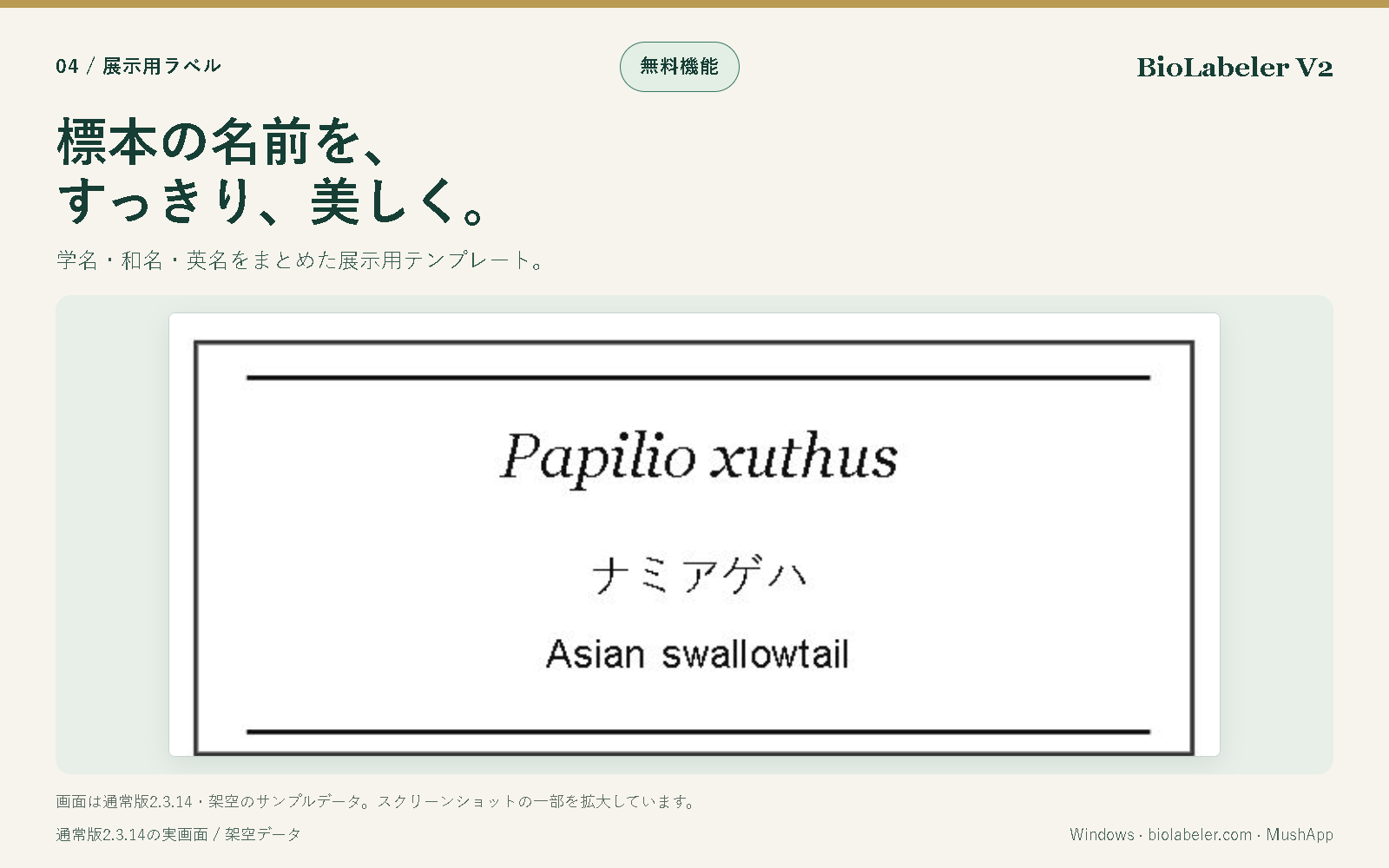
Collection records and folders. Real 2.3.14 screenshot with fictional sample records; click to enlarge.Print selection and sorting. Real 2.3.14 screenshot with fictional sample records; click to enlarge.Three-part insect label previews. Real 2.3.14 screenshot with fictional sample records; click to enlarge.Display labels with scientific and common names. Real 2.3.14 screenshot with fictional sample records; click to enlarge.
A careful record is a useful record.
Your specimen database is normally stored on your device, not automatically sent in full to MushApp. Optional online suggestions and sharing involve external services. Verify taxonomy, localities and reference images yourself, and test-print small labels and codes.
An insect-focused community for observation, identification and specimen making, with room for plants, fungi, fish and other living things. Beginners welcome; using BioLabeler is optional. Conversations are currently mainly in Japanese.
Opens Discord in a new tab. A Discord account is required.
BIOLABELER WEB 2.3.22 / FREE BETA
Build your own labels, with a clearer editor
Choose a size, add fields, then arrange them with a live preview. The guided editor keeps placed fields visible, offers one-click font, alignment, visibility and removal controls, and fits the editing canvas to your screen. Existing records and print dimensions stay unchanged.
Browser-local records, no account, no ads. QR/barcode generation and paid tools remain Windows-only. This is a Web beta update, not a claim that Windows 2.3.22 is already published in Microsoft Store. Previous lightweight Web app